Introduction
In the world of professional ECU calibration, clarity is key. One of the most common questions we receive is: “What is the actual difference between the file formats used in WinOLS?” Whether you are a beginner or looking to refine your workflow with our EVC Database, understanding these extensions will save you time and prevent calibration errors.
1. The Core File Types: A Quick Breakdown
Each file format serves a specific purpose in the remapping process. Here is the technical hierarchy:
| Format | Name | What it Contains |
| .BIN | Original File | The raw binary data extracted from the ECU (The “Master” file). |
| .KP | Mappack | Offsets and map definitions (The “Guide” for the BIN). |
| .A2L | Damos | Detailed engineering data, including maps and axis (The “Original Blueprint”). |
| .OLS | WinOLS Project | A complete package: BIN + Mappacks + User modifications. |
2. Deep Dive: What is a Mappack (.KP)?
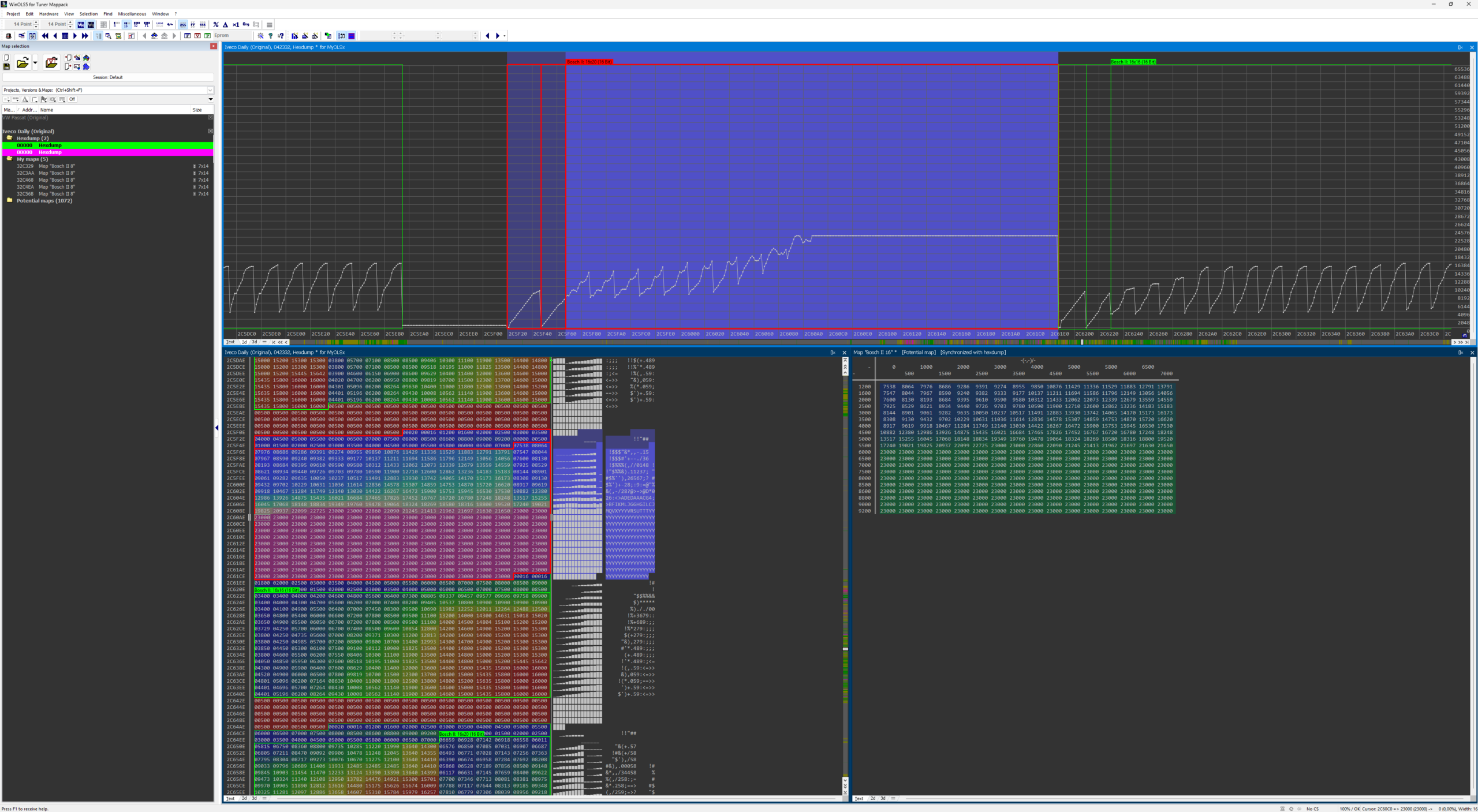
A Mappack is essentially a map definition file. It does not contain the engine software itself, but rather the “instructions” on how to read it. It describes:
- Map Locations: Exactly where the fuel, boost, or ignition maps are located.
- Factors & Offsets: The mathematical formulas needed to convert raw hex data into readable values (e.g., converting hex to Bar, RPM, or Lambda).
- Axis Descriptions: Ensuring the X and Y axes are correctly defined for precise tuning.
The Power of Portability: One of the greatest advantages of the .kp format is its portability. If you have a project with carefully defined maps and you encounter a different vehicle with the same ECU, you can simply export the .kp mappack and import it into the new project. This ensures identical calibration standards across different locations or projects.
3. The Complete Solution: .OLS Files
The .ols format is the “native” language of WinOLS. It is a container that holds everything: the original file, the map definitions, and every change you have made. When you access our EVC Database, you are often interacting with these high-level projects that simplify the tuning process significantly.
4. Technical Requirements
To ensure a seamless experience when importing or exporting these files:
- Genuine WinOLS: Always use a licensed version of WinOLS to maintain file integrity and access the latest EVC updates.
- Matching Software: Ensure the Mappack matches the Software/Hardware version of your BIN file for 100% accuracy.
Pro Tip: Looking for a specific Mappack for your project? Check our [Mappack Files Category] to see the latest custom files added to our database.
5. Can’t find the Mappack you need?
Our database is updated daily with new ECU definitions. If you are working on a specific project and cannot find the corresponding Mappack, you can request a custom file.
Custom Mappack Request
Please use the form below or contact us directly with the following details:
- ECU Model (e.g., Bosch EDC17C60)
- Hardware & Software Numbers
- Project Type (Stage 1, DPF/EGR/AdBlue, etc.)
📩 Request a Custom Mappack
Provide your details and we will get back to you with the availability and cost for your specific project.